-
Kupujte na spletu hitreje in enostavneje s Click to Pay
Click to Pay je kot brezstično plačevanje, vendar na spletu. Pri spletnem nakupovanju vam ob zaključku nakupa ni treba vnašati podatkov o kartici.¹
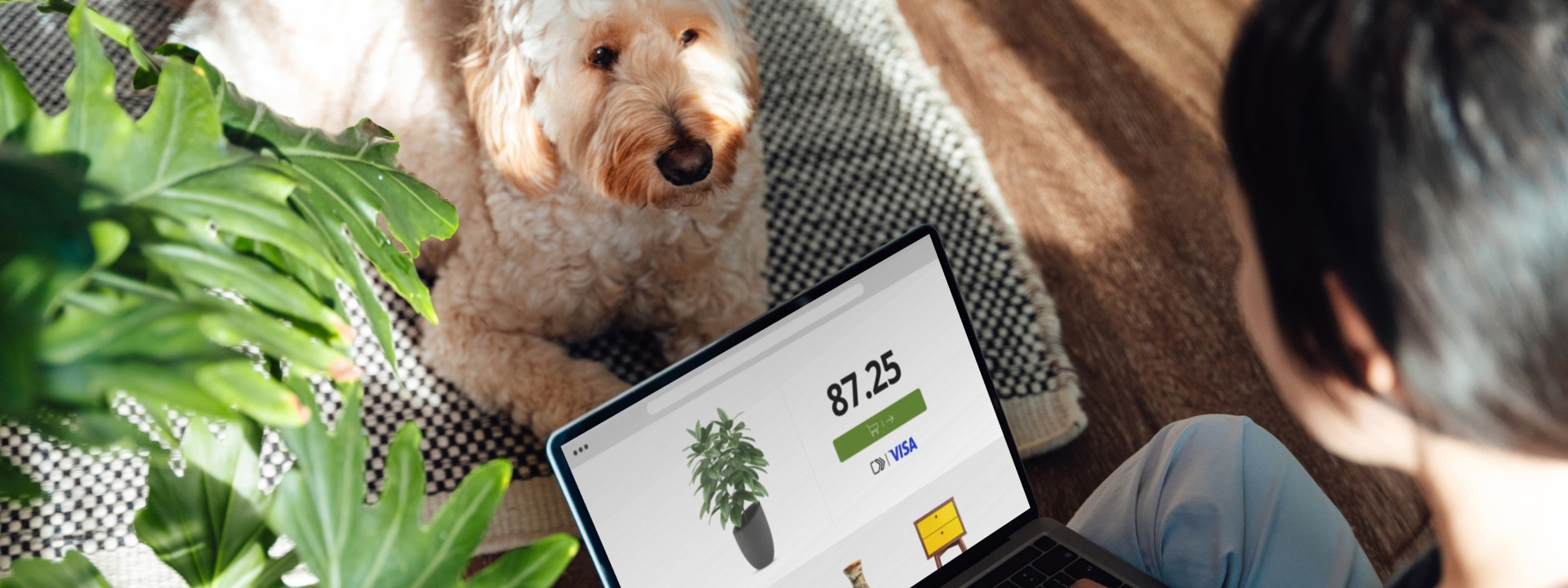
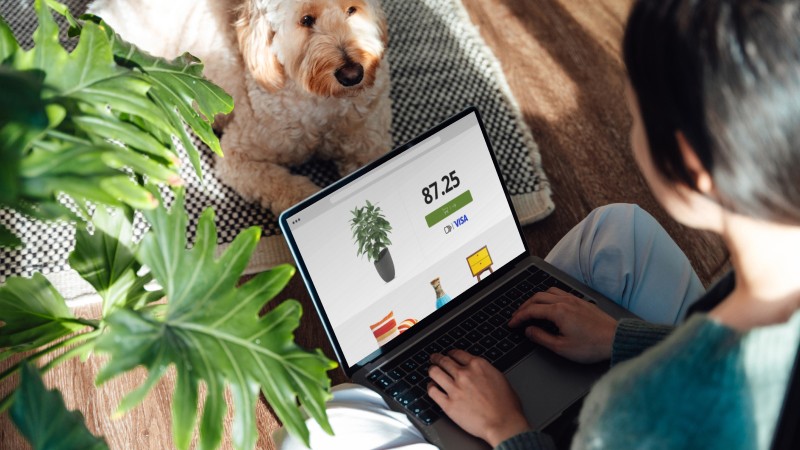
Preskočite ročni vnos podatkov o kartici ob spletnem plačilu
Click to Pay omogoča še enostavnejše spletno nakupovanje. Pozabite na obrazce, gesla in nakup kot gost.²
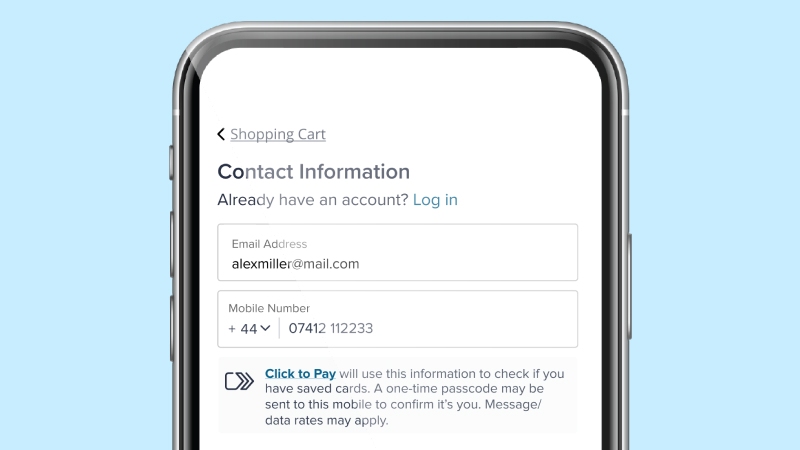
Poiščite ikono
Na spletu lahko nakupujete in kupite karkoli, kjer koli vidite ikono Click to Pay.³
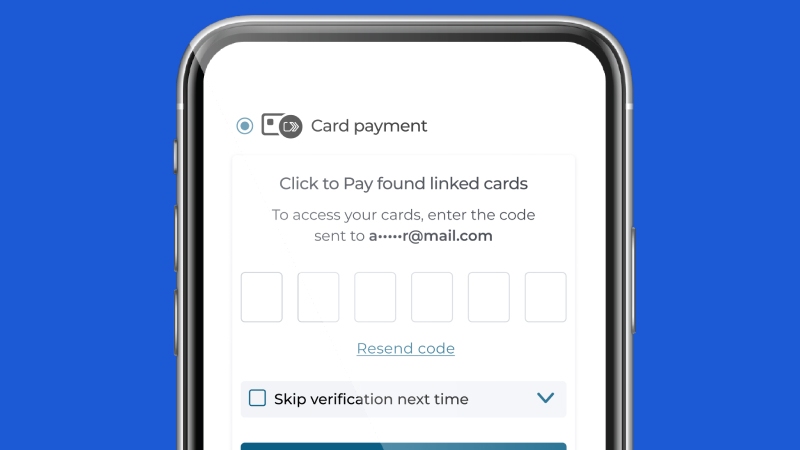
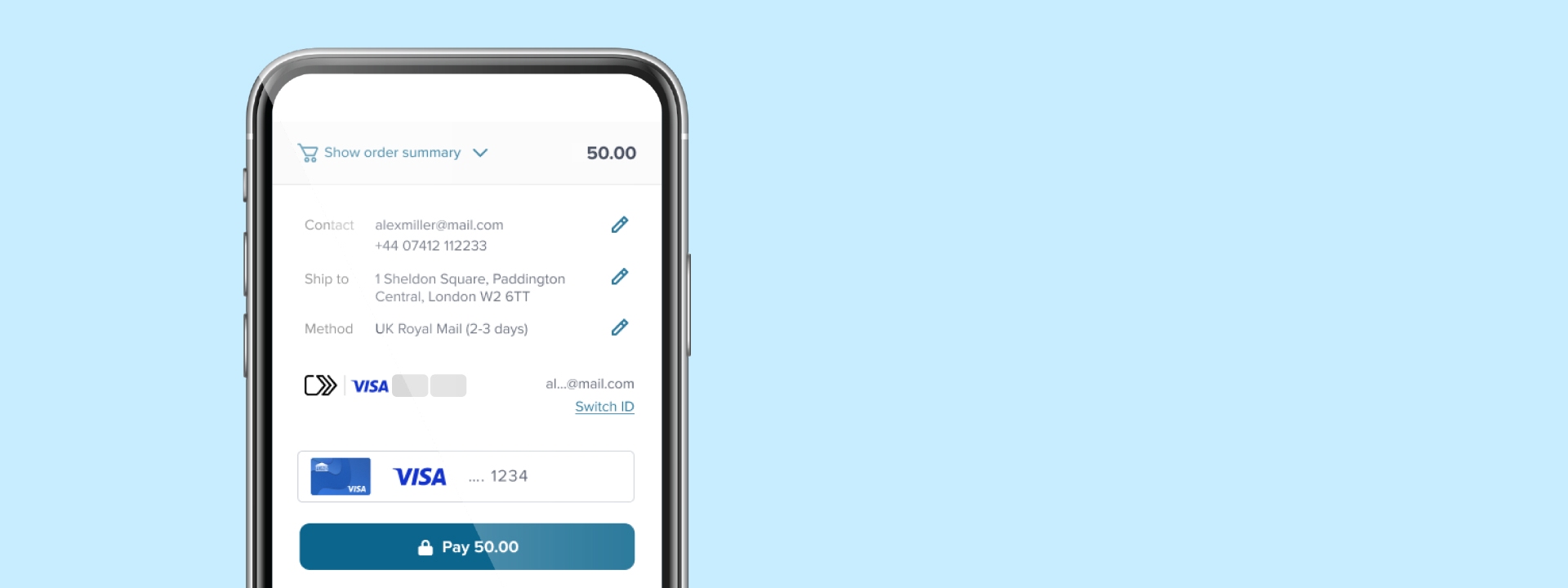
Potrdite svojo identiteto
Ob zaključku nakupa vnesite svoj e-poštni naslov ali mobilno številko, da poiščete povezano kartico (ali kartice) Click to Pay.
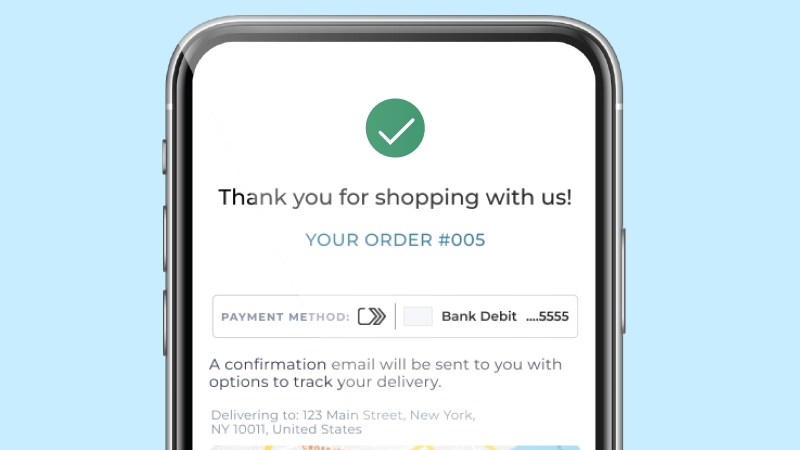
Zaključite nakup
Click to Pay omogoča hitro in enostavno spletno plačilo ter vam zagotavlja brezskrbnost ob zaključku nakupa.
Poslovite se od nevšečnosti pri spletnem plačevanju
Click to Pay odpravlja številne korake pri spletnem plačevanju ter zagotavlja večjo varnost, ko jo najbolj potrebujete.
-
Prihodnost digitalnega poslovanja
Click to Pay je preprost način plačevanja. Oglejte si, kako lahko vaša spletna plačila postanejo hitra, enostavna in priročna.
Odgovori na vsa vaša preostala vprašanja
Verjetno imate še dodatna vprašanja, kar je povsem v redu. Tukaj so najpogostejša vprašanja, ki jih prejemamo, ter koristne informacije, ki vam bodo pomagale bolje razumeti, kako deluje Click to Pay.
-
-
Click to Pay je novi standard za spletno plačevanje. Predstavlja enostavnejši, hitrejši, varnejši in boljši način spletnega nakupovanja. S storitvijo Click to Pay vam pri zaključku nakupa ni treba ročno vnašati podatkov o kartici.
Tako deluje za vaše registrirane kartice:
- Med zaključkom nakupa poiščite ikono Click to Pay
- Vnesite svoj e-poštni naslov
- Potrdite svojo identiteto
- Izberite kartico, ki jo želite uporabiti
- Zaključite nakup – to je vse!
-
-
V Click to Pay se lahko vključite prek svoje sodelujoče banke, med zaključkom nakupa pri sodelujočem trgovcu ali prek potrošniškega portala Click to Pay družbe Visa.
-
-
Click to Pay je na voljo pri sodelujočih spletnih trgovcih, pri čemer se jim ves čas pridružujejo novi. Med zaključkom nakupa poiščite ikono Click to Pay.
-
-
Poleg kartic Visa lahko preprosto shranite in uporabljate tudi kartice Mastercard, Discover in American Express.
-
-
Za več informacij o tem, kako Visa zbira, varuje in deli vaše osebne podatke, si oglejte naše Obvestilo o zasebnosti. Vaša banka bo objavila ustrezno obvestilo o zasebnosti, če ste se v Click to Pay vključili prek svoje banke.
-
-
Za ustrezne spremembe obiščite potrošniški portal Click to Pay družbe Visa. Če je vaša banka vaše kartice v storitev vključila v vašem imenu (kar je običajno označeno z ikono Click to Pay na vaši kartici), se za dodatno pomoč obrnite nanjo.
-
-
Zaradi varnostnih razlogov vam lahko Visa ob prijavi v naš potrošniški portal ali pri uporabi Click to Pay med zaključkom nakupa pošlje enkratno kodo. Za lažji dostop na vaši napravi je lahko koda poslana tako na vaš telefon kot tudi na vaš e-poštni naslov.
-
-
Če vaša banka ponuja Click to Pay neposredno kot del pogojev vašega računa (ikono Click to Pay poiščite na svoji kartici), lahko ustrezne podatke posodobite neposredno pri njej. V nasprotnem primeru lahko svojo vključitev v Click to Pay kadar koli upravljate tako, da obiščete potrošniški portal Click to Pay družbe Visa, kjer lahko upravljate, posodabljate ali izbrišete svoj profil Click to Pay oziroma shranjene kartice.
- EMV® je registrirana blagovna znamka v ZDA in drugih državah ter neregistrirana blagovna znamka drugod. Blagovna znamka EMV je v lasti družbe EMVCo, LLC.
Ikona Click to Pay, sestavljena iz dveh zaporednih puščic, usmerjenih v desno, je blagovna znamka v lasti družbe EMVCo, LLC in se uporablja z njenim dovoljenjem. - Časovni okvir in razpoložljivost določenih funkcij se razlikujeta glede na trg.
- Imetniki kartic Visa morajo biti vključeni v Click to Pay oziroma mora biti njihova kartica registrirana.
Uporabniška izkušnja (UX) je zgolj ilustrativna in se lahko razlikuje glede na trgovca.